
Linux seq Command Explained with Examples for Beginners
Introduction
The seq command in Linux is a simple yet powerful tool used to generate sequences of numbers. It’s often used in scripting, automation, and quick number generation. Whether you want to print a range of numbers or format them with specific options, seq can help.
Basic Usage of seq
1. Generate a Simple Sequence
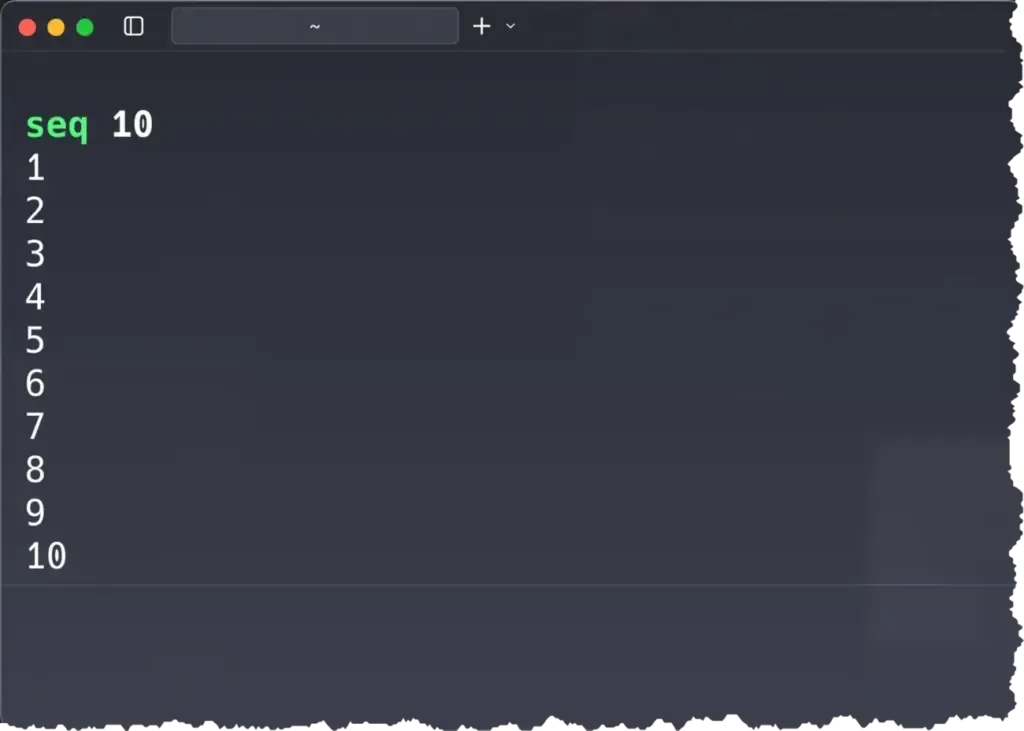
Here, seq 10 prints numbers from 1 to 10.
2. Specify a Start and End Number

This prints numbers starting at 3 and ending at 10.
3. Use Step Values

The middle number (3) specifies the step. So this command prints every third number from 1 to 20.
4. Print Numbers on One Line
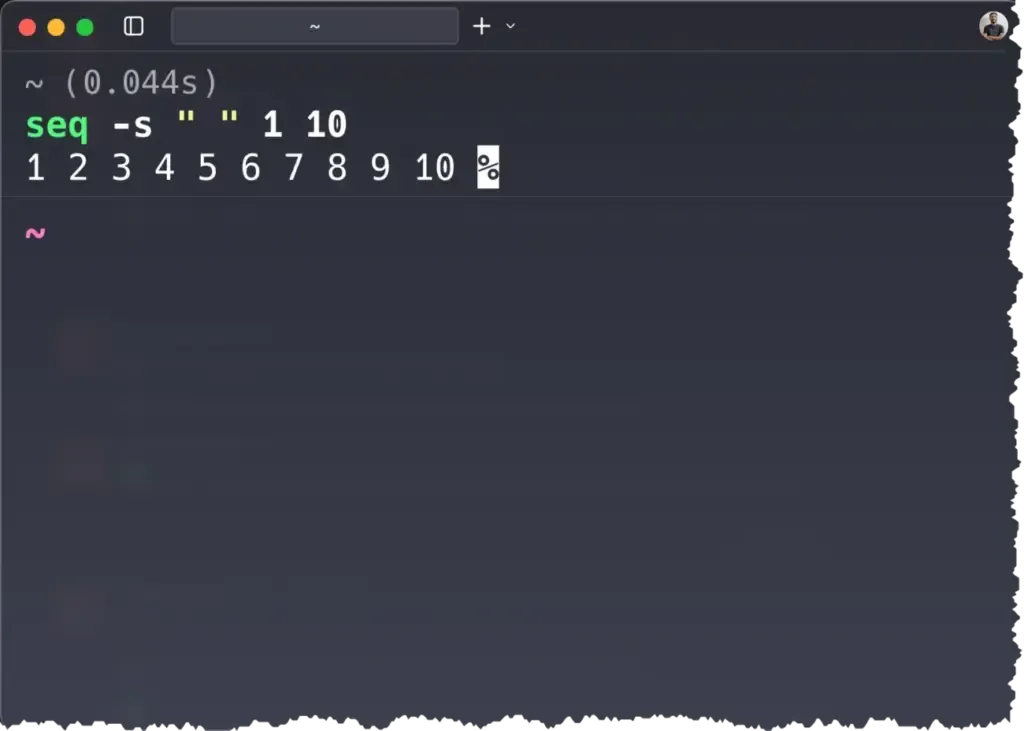
The -s option changes the separator, in this case to a space.
5. Format Numbers with Leading Zeros
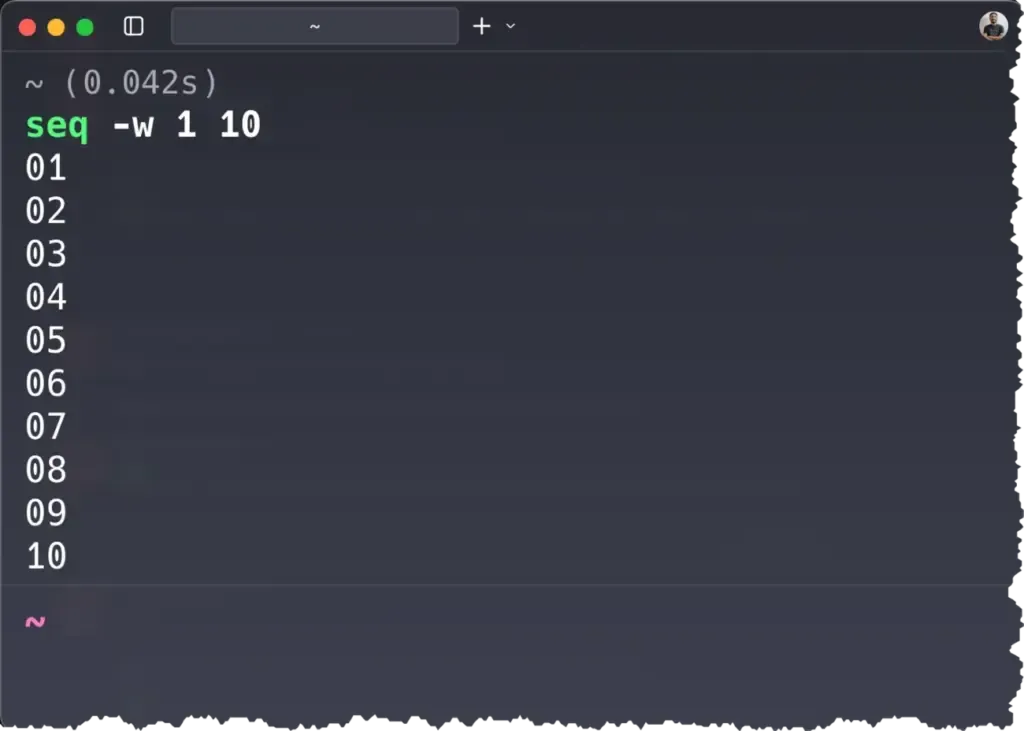
The -w option ensures equal width by padding numbers with leading zeros.
6. Using seq in a loop (practical example)
for i in $(seq 1 3); do
  echo "File_$i.txt"
done
Output:
File_1.txt
File_2.txt
File_3.txt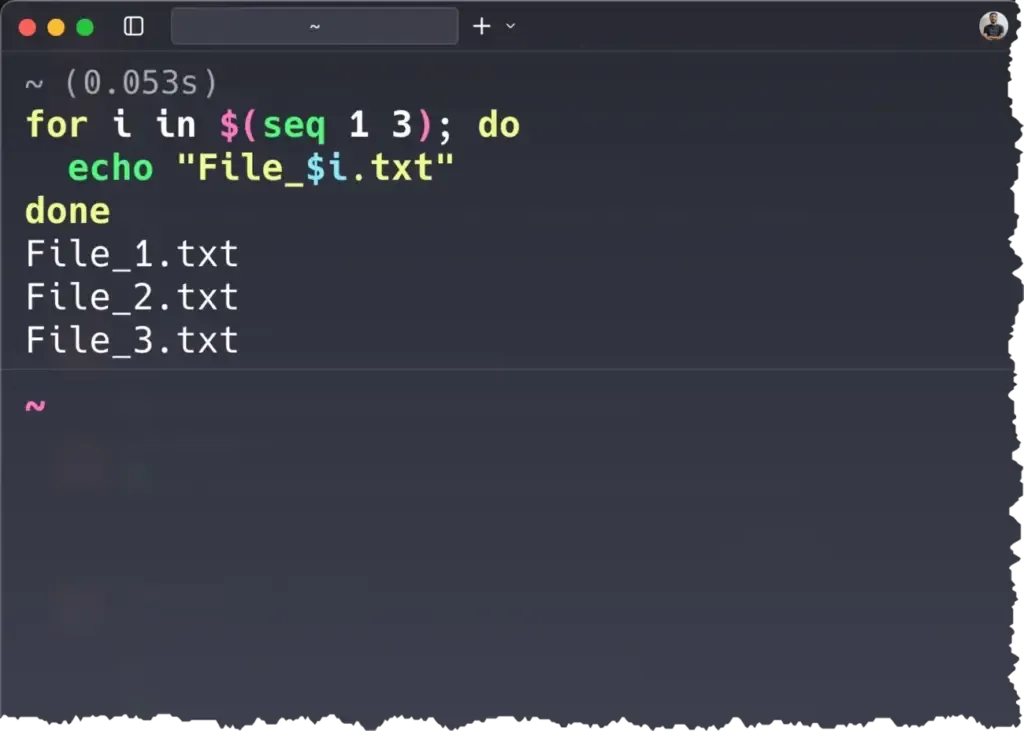
The seq command can be used in a loop to create patterns for complex actions.
Why Use seq?
-
Quick number generation for loops in shell scripts
-
Creating test data
-
Formatting sequences with custom separators
-
Automating repetitive tasks
Conclusion
The Linux seq command is a handy utility for generating sequences of numbers in different formats. Once you master its options, you can save time in scripting and automation tasks.
References:
If you found this post helpful, consider buying me a coffee. It keeps me writing!
