Mailpit: Capture & Inspect Emails Locally for WordPress, Laravel, and PHP
Table of Contents
If you do any kind of local development — WordPress sites, Laravel apps, or custom PHP projects — you have probably run into the email problem.
You register a user, trigger a password reset, or place a test order, and you have no idea whether the email actually fired. Did it go out? Did it fail silently? Is the SMTP config even working?
Mailpit solves this cleanly. It acts as a local SMTP server that catches every outgoing email from your local environment before it reaches the internet, and shows them in a slick web UI. Nothing leaves your machine. No real addresses receive test emails. Everything is inspectable in your browser.
What is Mailpit?
Mailpit is a lightweight, open-source email testing tool. It starts a local SMTP server on port 1025 and a web UI on port 8025. When you configure your local PHP to route mail through Mailpit, every mail() call, every wp_mail() in WordPress, every Mail::send() in Laravel — all of it lands in Mailpit’s inbox instead of going out to a real mail server.
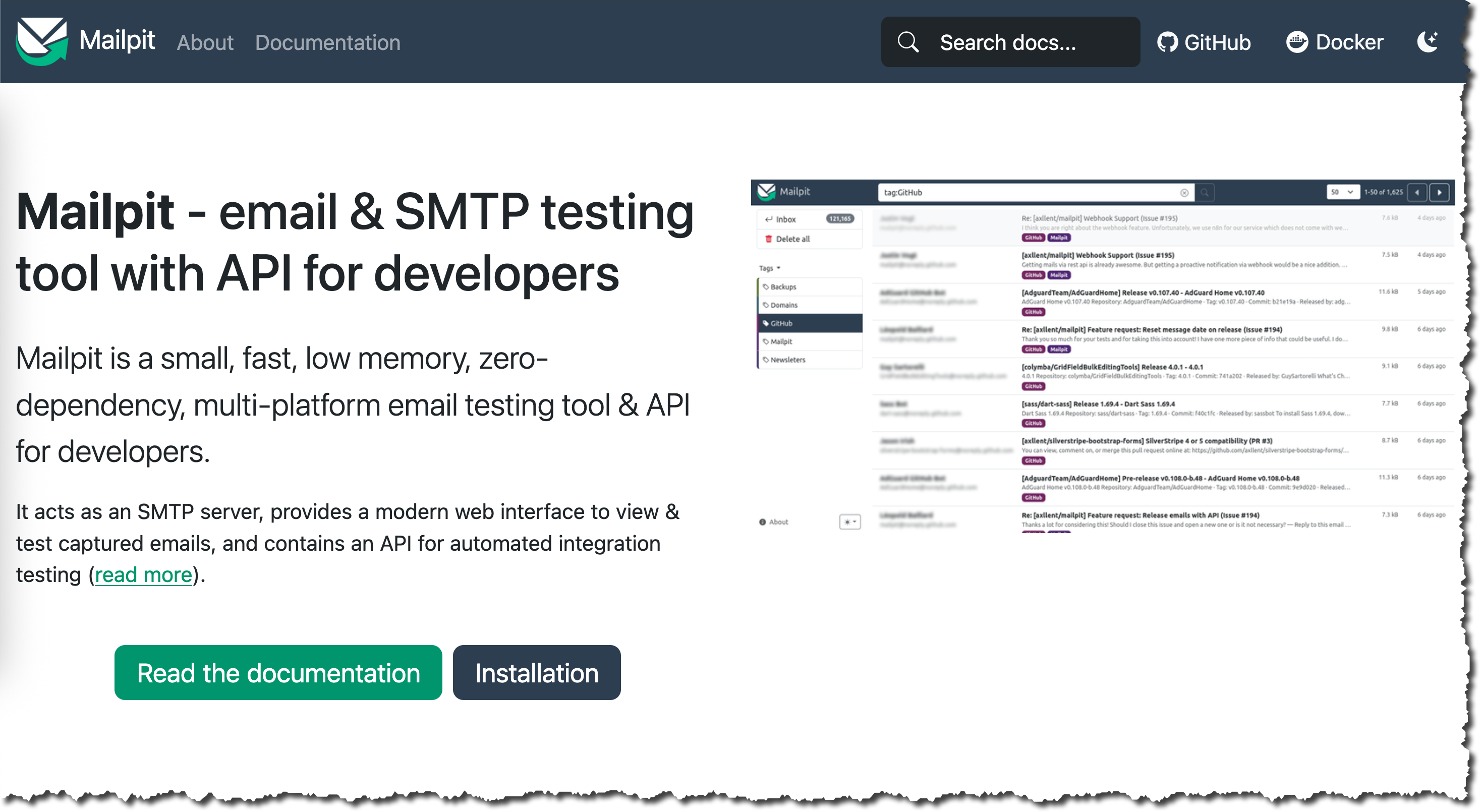
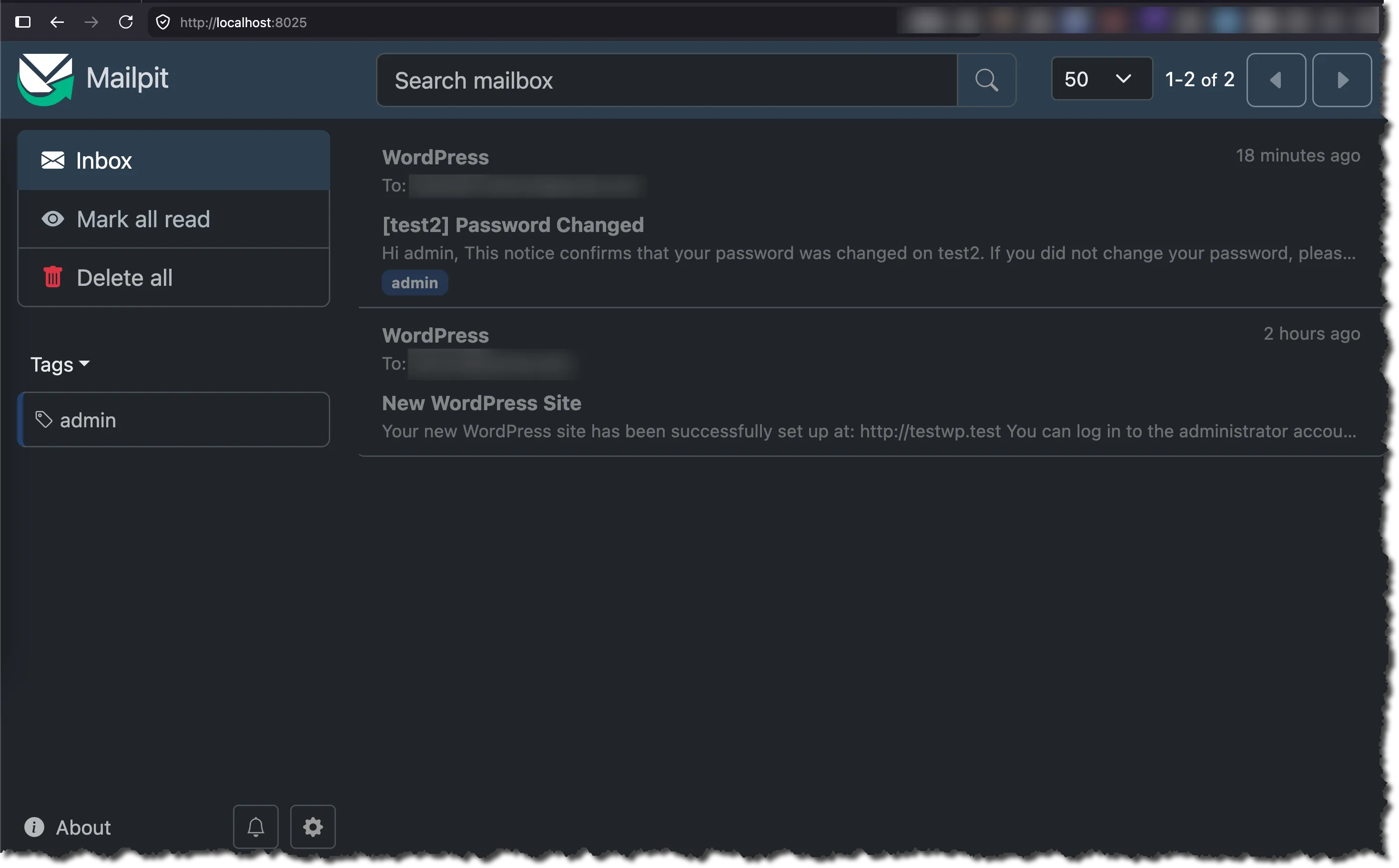
The dashboard shows you the full email: headers, rendered HTML body, plain text fallback, attachments, and raw source. It is exactly what you need to verify that email flows work correctly during local development and QA.
Install Mailpit on macOS
On macOS, install via Homebrew:
brew install mailpitThen start it as a background service so it runs automatically on login:
brew services start mailpitOpen http://localhost:8025/ in your browser. You should see the Mailpit inbox — empty for now, but ready to catch emails.
For Linux, Windows, or Docker-based setups, check the official installation docs.
Configure PHP to Route Mail Through Mailpit
Mailpit works by replacing PHP’s built-in mail transport. You need to point PHP’s sendmail_path to the Mailpit binary.
Find your php.ini file(s) and add this line:
sendmail_path='/opt/homebrew/bin/mailpit sendmail'The path /opt/homebrew/bin/mailpit is the default Homebrew install location on Apple Silicon Macs. Verify it with:
which mailpitFor Laravel Herd on macOS
Herd manages its own PHP installations with separate php.ini files for each PHP version. They live here:
~/Library/Application Support/Herd/config/php/The structure looks like this:
.
├── 74
│   └── php.ini
├── 80
│   └── php.ini
├── 81
│   └── php.ini
├── 82
│   └── php.ini
├── 83
│   └── php.ini
├── 84
│   └── php.ini
├── 85
│   └── php.ini
└── cacert.pem
You need to add the sendmail_path line to every php.ini for each version you use. Open each file and add:
sendmail_path='/opt/homebrew/bin/mailpit sendmail'A quick way to do all of them at once:
for f in ~/Library/Application\ Support/Herd/config/php/*/php.ini; do
  grep -q "mailpit" "$f" || echo "sendmail_path='/opt/homebrew/bin/mailpit sendmail'" >> "$f"
done
After editing, restart Herd’s PHP services from the Herd menu bar icon (or restart Herd itself) so the changes take effect.
For Valet on macOS
Valet also uses Homebrew-managed PHP. Your php.ini files are typically at:
$(brew --prefix)/etc/php/<version>/php.iniAdd the same sendmail_path line and run valet restart afterward.
For a System PHP or Custom Setup
If you are using a system PHP installation or a custom LAMP/LEMP stack, find your active php.ini with:
php --iniAdd the line to the file shown under “Loaded Configuration File” and restart your PHP-FPM or web server process.
Verify It Works
WordPress
In any local WordPress site, install the WP Mail Logging plugin or simply trigger an email — password reset, new user registration, WooCommerce order confirmation — and check http://localhost:8025/.
The email should appear in Mailpit’s inbox within seconds.
Alternatively, you can use a small snippet in functions.php to trigger a test email:
add_action( 'init', function() {
    if ( isset( $_GET['test_mail'] ) ) {
        wp_mail( 'test@example.com', 'Mailpit Test', 'If you see this in Mailpit, it works.' );
    }
});
Visit https://yoursite.test/?test_mail=1, then open Mailpit.
Laravel
Laravel uses a .env variable to control the mail driver. For local Mailpit testing, set your .env to use SMTP pointing at Mailpit:
MAIL_MAILER=smtp
MAIL_HOST=127.0.0.1
MAIL_PORT=1025
MAIL_USERNAME=null
MAIL_PASSWORD=null
MAIL_ENCRYPTION=null
Then send a test email via Artisan tinker:
php artisan tinkerMail::raw('Hello from Mailpit!', fn($m) => $m->to('test@example.com')->subject('Test'));Check Mailpit at http://localhost:8025/.
Custom PHP
For a plain PHP project using mail():
mail('test@example.com', 'Mailpit Test', 'Testing sendmail_path config.');If sendmail_path is set correctly in php.ini, this will be intercepted by Mailpit.
What Mailpit Shows You
Once emails start arriving, the Mailpit UI gives you:
- Rendered HTML view — see the email exactly as it would look in a mail client
- Plain text view — inspect the fallback body
- Raw source — full headers and raw MIME content
- Attachments — download and inspect any attached files
- Spam score — a basic spam analysis via SpamAssassin (if installed)
- Delete/search — manage the inbox, search by subject or address
This is everything you need to confirm that emails are formatted correctly, links are pointing to the right URLs, and the “From” address matches your expectations — all without ever sending a real email.
Why Use Mailpit Instead of a Real SMTP Service?
During local development you want email testing to be:
- Instant — no network latency, no queues
- Isolated — real users never receive test emails
- Offline-capable — no dependency on external services
- Free and unlimited — no rate limits, no account required
Tools like Mailtrap or Mailhog serve a similar purpose, but Mailpit is actively maintained, faster, and easier to install on macOS via Homebrew. MailHog has been effectively deprecated in favor of Mailpit.
If you need SMTP options for staging or CI environments where you do want emails to be deliverable, check my post on free SMTP options for SQA engineers.
Summary
| Step | Command / Action |
|---|---|
| Install Mailpit | brew install mailpit |
| Start as service | brew services start mailpit |
| PHP config | Add sendmail_path='/opt/homebrew/bin/mailpit sendmail' to php.ini |
| Herd PHP configs | ~/Library/Application Support/Herd/config/php/*/php.ini |
| Web UI | http://localhost:8025/ |
| SMTP port | 1025 |
Mailpit takes about two minutes to set up and eliminates an entire category of “did that email actually send?” questions from local development. If you are running WordPress or PHP sites locally and are not already using it, add it to your setup today.
If you found this post helpful, consider buying me a coffee. It keeps me writing!
